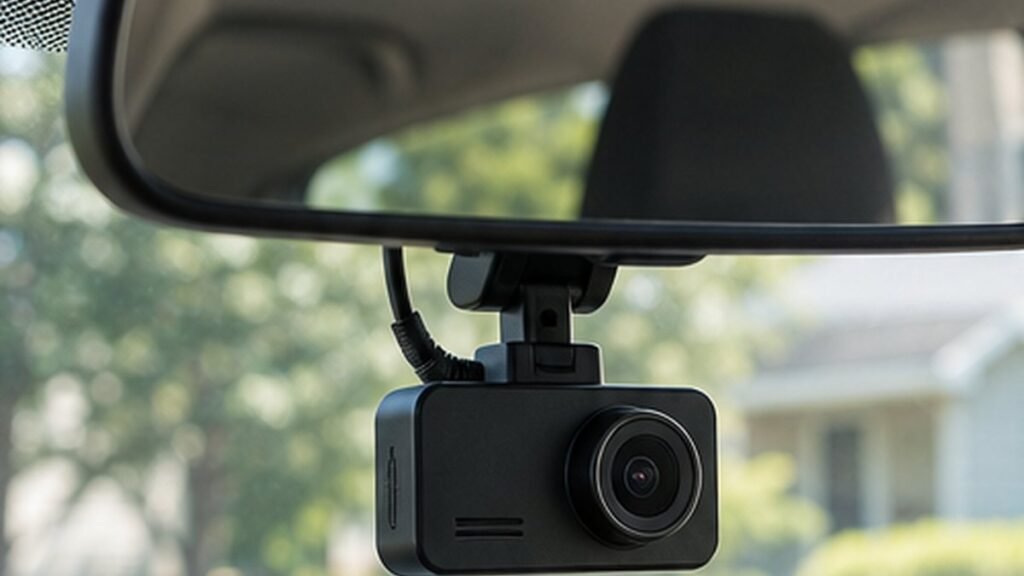
How to Choose a Dash Cam: Footage, Storage and Parking Mode
Compare dash cam night footage, front and rear coverage, storage and parking mode. Check mounting and clip export before you rely on a camera.
Explore practical guides and fresh perspectives from ScopeScoop.
Compare dash cam night footage, front and rear coverage, storage and parking mode. Check mounting and clip export before you rely on a camera.
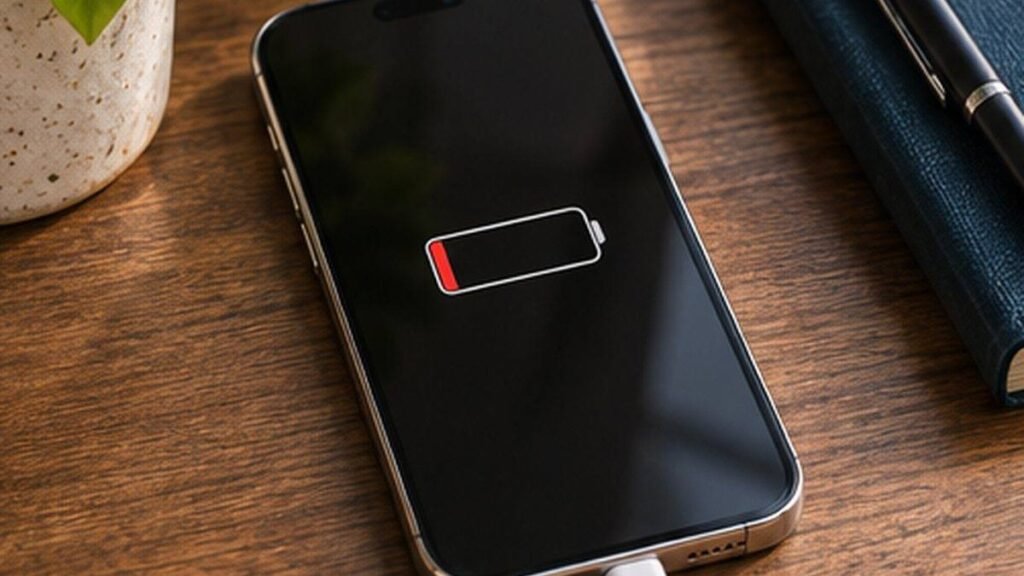
Check the cable, adapter, charging port and battery settings if your iPhone won’t charge. Learn what to do if it stops near 80 percent.

Reset AirPods using the method for your case. Follow the rear-button or front-tap sequence and check what the amber and white lights mean.

Work out which iPhone texts aren’t arriving. Check iMessage, the active cellular line, carrier messages and notifications one step at a time.

Use Apple Find My to play a sound, check a location or mark a missing iPhone as lost. Learn what to review before you remotely erase it.
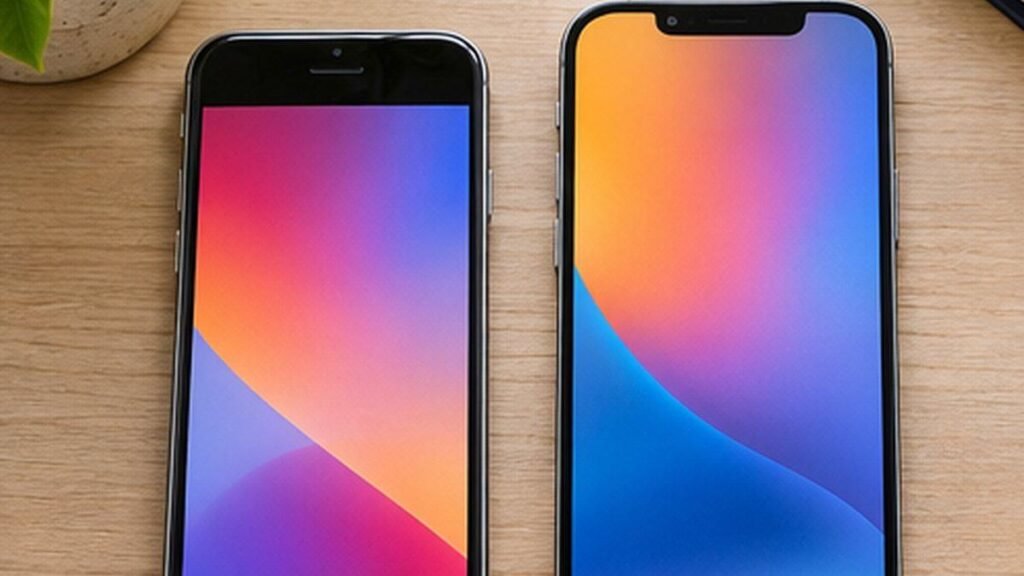
Use Quick Start or a backup to move to a new iPhone. Verify calls, photos and important apps before you erase or trade in the old phone.

Back up your iPhone, protect account access and choose what to do with eSIM before using Erase All Content and Settings or handing it over.

Clear Safari cache or data for one website, review app storage and understand what offloading or deleting an iPhone app can remove.

Take a Windows screenshot with Snipping Tool or Print Screen. Capture an area, an active window or the whole display and find the saved image.
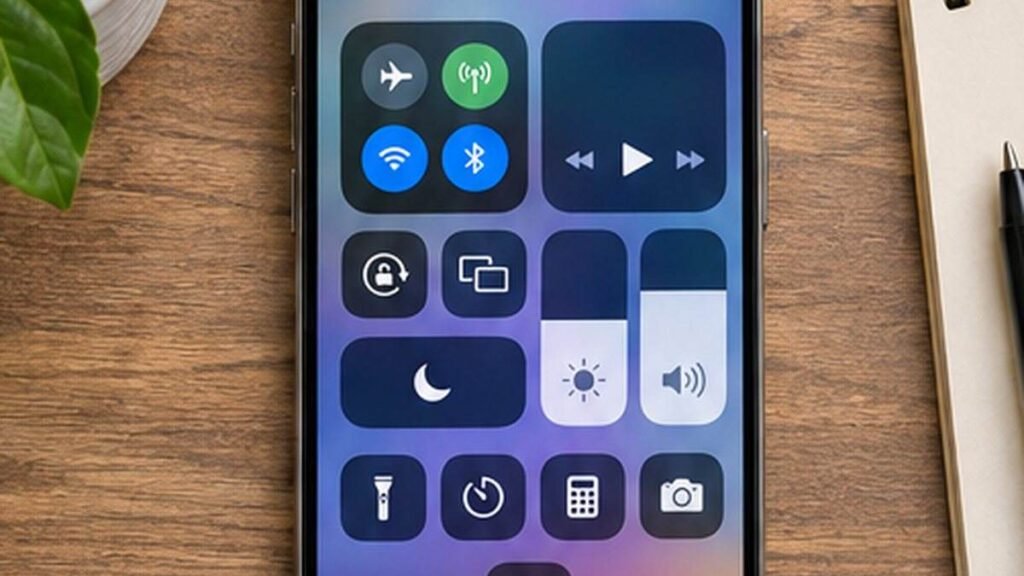
Start an iPhone screen recording from Control Center, decide whether to add microphone audio and find or trim the finished video in Photos.

Recover access to Gmail through Google’s official flow. Learn how to use a familiar device, handle prompts and secure the account afterward.

Check iPhone battery health, maximum capacity and cycle count. Learn what the numbers mean, which screens to open and when to ask about battery service.
A DIFFERENT WAY TO READ