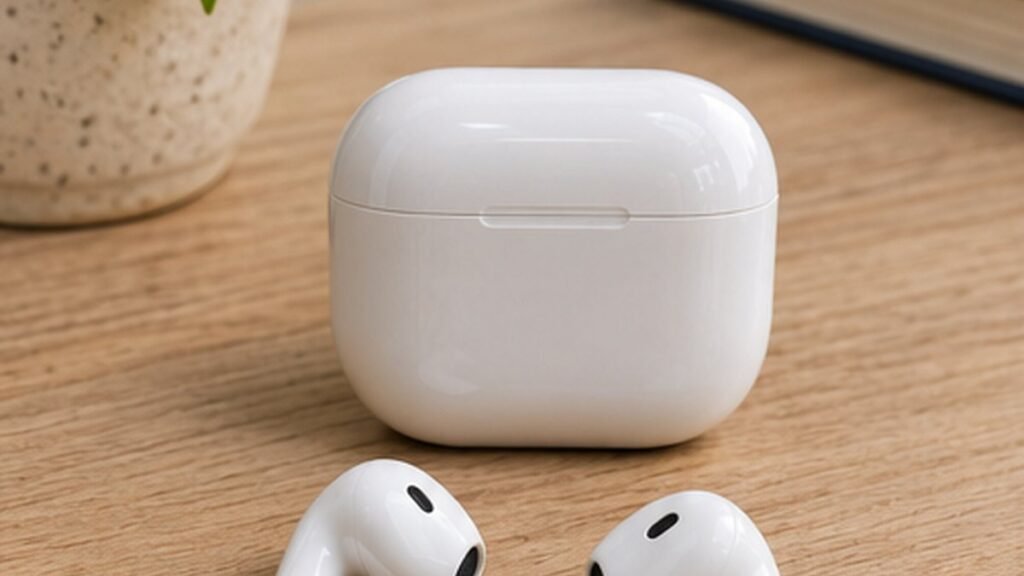
The reset method depends on the AirPods and their case. AirPods 1, 2 and 3 and AirPods Pro 1 and 2 generally use the rear setup button. AirPods 4, AirPods 5 and AirPods Pro 3 use a timed sequence on the front of the case. AirPods Max have their own procedure.
| Case type | What to do |
|---|---|
| AirPods 1–3 or AirPods Pro 1–2 | Use the rear button after preparing the case. |
| AirPods 4, AirPods 5 or AirPods Pro 3 | Follow the sequence of timed taps on the front. |
| AirPods Max | Use the Digital Crown and listening mode button. |
Prepare the case and the paired device
Place both earbuds in the case, close the lid and wait about 30 seconds. On the iPhone or iPad previously paired with them, go to Bluetooth, tap the information button next to the AirPods and choose Forget This Device if they appear. Then open the case lid with the earbuds inside.
Follow the case-specific sequence
On the rear-button cases covered above, hold the setup button for roughly 15 seconds until the status light flashes amber, then white. If you have AirPods 4, AirPods 5 or AirPods Pro 3, double-tap the front while the status light is on. Double-tap again when it flashes white and a third time when it flashes faster. Look for amber followed by white.
Bring the open case near your unlocked iPhone or iPad and follow the setup prompts. If the light behavior does not match, check the model number and Apple’s latest model-specific instructions before repeating the reset.
How to reset AirPods Max
Use the Digital Crown and listening mode button on the right ear cup. Apple recommends charging AirPods Max to at least 50% before restarting or resetting when they can charge. For a connection glitch, try a restart first. Hold both buttons together and release when the light flashes amber.
For a factory reset, hold both buttons for about 15 seconds. Wait for the light by the charging port to flash amber and then white before releasing. Reconnect the headphones from your device’s Bluetooth setup and test both ears. If you bought them used and the setup flags someone else’s Apple Account, ask that person to remove the headphones from their account.
If the status light never flashes white
On an earbud case, check that both earbuds are seated and the case has a charge. If your first reset attempt failed, close the lid for 20 seconds, reopen it and retry the sequence for your case. On front-tap models, wait for each light change before the next double-tap. If the light stays off or one earbud still will not charge, record what happened and give Apple Support the model number.
Test the problem that prompted the reset
Play audio from a source you know works and check each side. Test both earbuds on a second compatible device if possible. If only one side remains missing or fails to charge, report the model, the status light pattern and the affected earbud to support. A reset can clear pairing problems, while a case, contact or hardware fault can require service.
If used AirPods still belong to someone else's Apple Account, ask the previous owner to remove them from that account through Find My.
If two cases look similar
Use the model number in Bluetooth settings or on the hardware and check Apple's identification guidance. Case generations can look close, and the procedure depends on the model. If the status light remains off after a charge, report that before repeating the reset sequence.
Should I reset AirPods that work on another device?
Start by checking the original device’s Bluetooth pairing and software. If both earbuds work on another device, you can test forgetting and pairing them again before repeating full resets. A repeatable issue isolated to one device gives support a narrower starting point.
Sources
- Apple AirPods model-specific reset instructions
- Apple’s AirPods Max restart and reset instructions
- Apple AirPods model identification
Featured and Web Story visuals are AI-generated editorial illustrations.