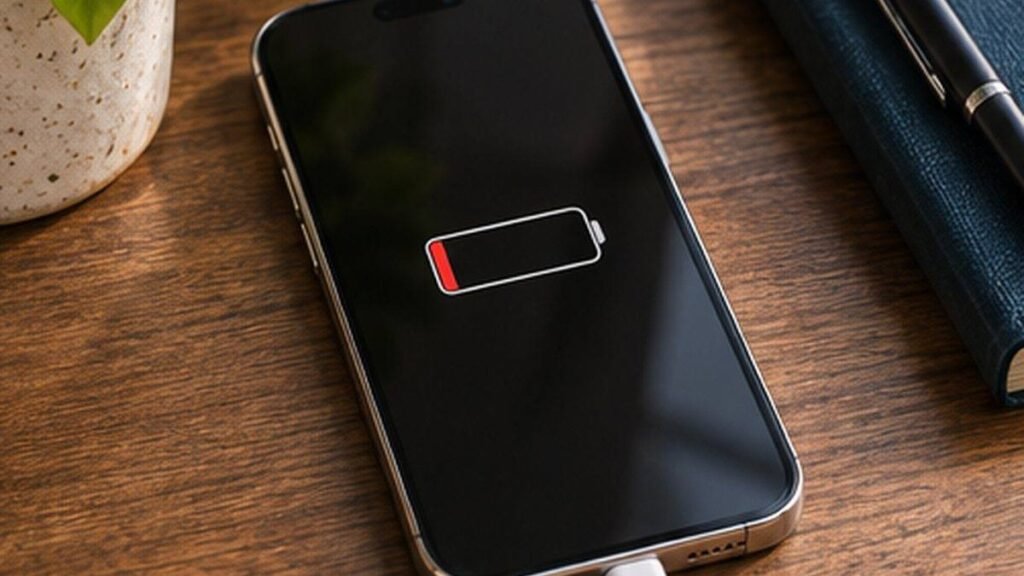
Try a known-good compatible cable and wall adapter plugged directly into an outlet. If the phone is completely drained, give it time on a working charger. If it stops near a familiar percentage each day, check the charging limit and temperature before treating it as a hardware failure.
| Charging behavior | Next check |
|---|---|
| No response with an unknown charger | Try known-good wall power and allow a full test period. |
| Wired charging fails but wireless works | Check the wired accessory and connector path with support. |
| Charge stops near the same percentage | Check Charge Limit, Optimized Battery Charging and heat. |
Isolate one part at a time
Try a different outlet, then another cable and adapter you know can charge a compatible device. Check for a damaged connector or frayed cable and retire damaged equipment. Connect directly rather than going through a keyboard, hub or dock while troubleshooting.
Look for debris or damage around the charging port without inserting a metal tool. If the phone reports liquid, unplug it and follow Apple's drying instructions. Avoid heat, compressed air or pushing material into the connector. If the phone looks swollen or damaged, stop charging it and seek service.
Give a deeply discharged phone time
Apple's troubleshooting steps include letting the phone charge for half an hour, force restarting if it still does not respond, then giving it another half hour. Force-restart steps depend on the model. For many recent iPhones, press and quickly release Volume Up, repeat with Volume Down, then hold the side button until the Apple logo appears.
If the device supports wireless charging, try a compatible charger with the phone centered and any obstructing case removed. A phone that charges wirelessly but fails with two working wired setups gives support a reason to investigate the connector and cable path.
Check the behavior near 80 percent
Charging can pause or slow when the device is too warm. Move it to a cooler indoor spot and let it return to a normal temperature. Check Battery settings for Optimized Battery Charging and, on supported models, a configured charge limit. A phone that reaches its chosen limit and a phone that shows no response at all need different checks.
When contacting support, report the phone model, charging accessories tested, any alert wording and whether wireless charging worked.
What to tell Apple support
Give the exact wording of any alert and identify which adapter, cable and outlet you tried. Mention whether the phone was warm, wet or completely discharged. A repeatable symptom lets support skip the steps you already checked.
How do I tell a charge limit from a bad cable?
A configured limit usually stops charging near a consistent level. A faulty cable may disconnect when moved or fail with another compatible device. Compare a proven cable on a direct wall charger and read any alert and Battery setting before drawing a conclusion.
Related guide: How to Check iPhone Battery Health
Sources
Featured and Web Story visuals are AI-generated editorial illustrations.