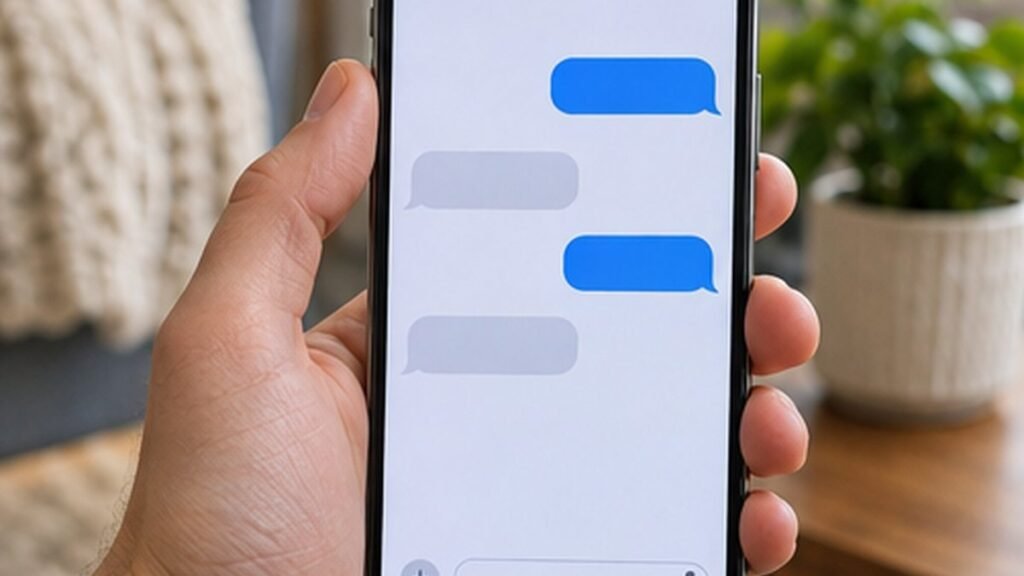
Send yourself two test messages from other phones if possible: one iMessage and one carrier message. If both messages arrive in the app but there is no alert, check notification settings and Focus. If one type never arrives, its delivery path gives you a better place to start.
| Missing item | Check first |
|---|---|
| Message present but no alert | Thread mute, Notifications and Focus. |
| Only iMessages to your number missing | Send & Receive and the active line. |
| Carrier messages absent | Cellular service, the affected number and carrier support. |
Check the receiving number
Open Settings, Apps, Messages on recent iOS versions and look for Send & Receive. Check whether your phone number is selected where you expect to receive iMessages. After moving to a new phone or eSIM, confirm the line is active and calls work. If you have dual SIM, note which number people are using.
An Apple Account email address can receive iMessages while the intended phone number is missing or inactive. Ask a sender to start a new thread addressed to the correct number. Old threads can continue using a different address.
Separate carrier delivery from iMessage
Blue bubbles generally indicate iMessage. Green bubbles can represent SMS, MMS or RCS, so the color alone cannot identify the exact carrier service. Check the phone's cellular connection and ask your carrier about the line if ordinary texts fail. Group and picture messages can depend on different carrier settings from plain SMS.
Look in message filters and check blocked contacts if the issue affects one person. For missing alerts, check the conversation's mute setting and the relevant Focus and notification options. Open Messages and verify whether the item is truly missing.
Run a short test after each change
Try a plain text and a photo from known contacts, write down the time and the number each used, and check whether you can send a reply. If verification codes are the only missing messages, contact the sender and carrier about short-code delivery. Avoid sharing codes with anyone who contacts you unexpectedly.
If the issue persists, share your carrier, iOS version, affected line and which kinds of messages failed. That information helps support start with the right system.
If a group chat is the only one that fails
Confirm that the group has your current phone number and try a new group thread. Tell the carrier whether plain texts arrive and whether only pictures or group messages fail. The more specific test can distinguish basic texting from the service the group uses.
Why are texts missing after moving to a new iPhone?
Confirm the new phone can make calls on the number that should receive texts. Check that iMessage is using that number and try a new conversation from another device. Contact the carrier if ordinary SMS or the line itself is still inactive.
Sources
Featured and Web Story visuals are AI-generated editorial illustrations.