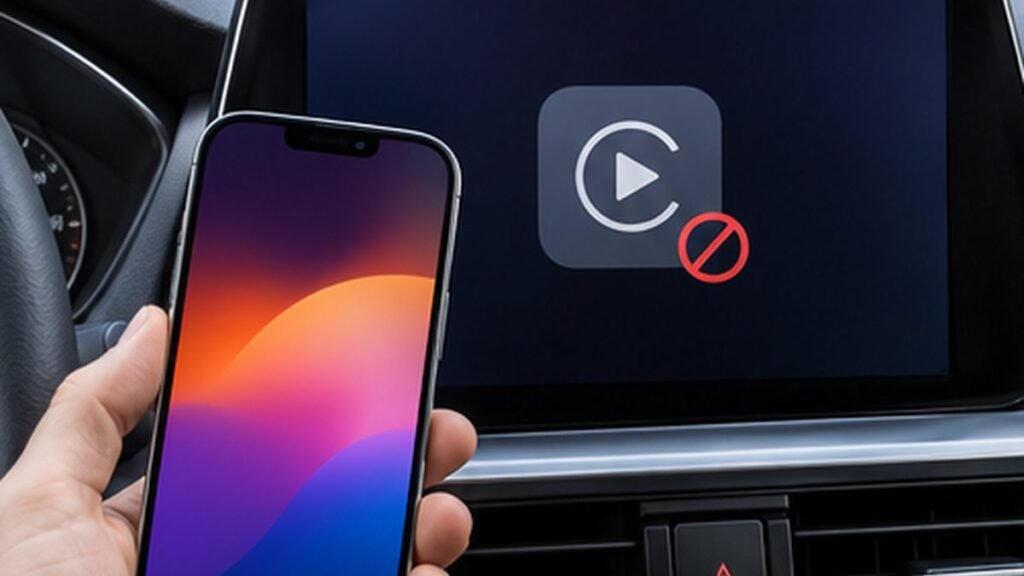
Start with the way CarPlay usually connects in your car. Wired CarPlay needs a data-capable cable and a port that supports CarPlay. Wireless CarPlay depends on a compatible vehicle configuration, Bluetooth and Wi-Fi. Work through the checks while parked so the display and phone stay off your mind while driving.
| Failure pattern | First test |
|---|---|
| Phone charges but display stays blank | Switch to a proven data cable and approved port. |
| Wireless connection never begins | Check Bluetooth, Wi-Fi, compatibility and pairing mode. |
| CarPlay loads but one app fails | Compare another app and note whether calls or prompts work. |
If you use a cable
Try the port identified for smartphone integration in the manual. Some ports only charge. Connect directly with a known-good data cable, especially if your setup uses a hub, adapter or extension. A charging symbol confirms power reaches the phone. Data can still fail through the cable or port.
If another cable and the correct port don't help, restart the iPhone and the vehicle's infotainment system as the manual directs. If the car also supports wireless, keep that out of your wired test until you can tell which connection actually worked.
If you use wireless
Check that Bluetooth and Wi-Fi are enabled. Open Settings, Wi-Fi and check that Auto-Join is on for the CarPlay network if it appears. Make sure Siri is enabled and check any Screen Time restrictions that might disable CarPlay. The car may require you to start pairing from its display or hold the voice-command button, depending on the model.
If the car appears in Settings, General, CarPlay, try forgetting the car and pairing it again through the approved setup procedure. Remove the old phone entry from the car if the manual directs you to. Restart both sides before a repeat test.
Isolate the device before asking for service
Try a second compatible phone in the same car if one is available, or try your phone in another supported car. That comparison can point you toward the cable, phone settings or the vehicle. Check for an iOS update and ask the vehicle manufacturer about head-unit firmware. Record the phone model, iOS version, connection type and exact error for support.
If CarPlay opens but drops audio
Check whether the failure is limited to one audio app, or whether navigation prompts and calls fail as well. Note if it happens only when the cable moves. Test after one change at a time so you can tell the difference between a worn cable and an app issue.
Why does the phone charge even though CarPlay will not open?
Power and data can fail separately. Test a known-good data cable directly in the port listed for CarPlay. If a second compatible phone also fails on the same port, tell the vehicle support team which cable and devices you tried.
Sources
Featured and Web Story visuals are AI-generated editorial illustrations.