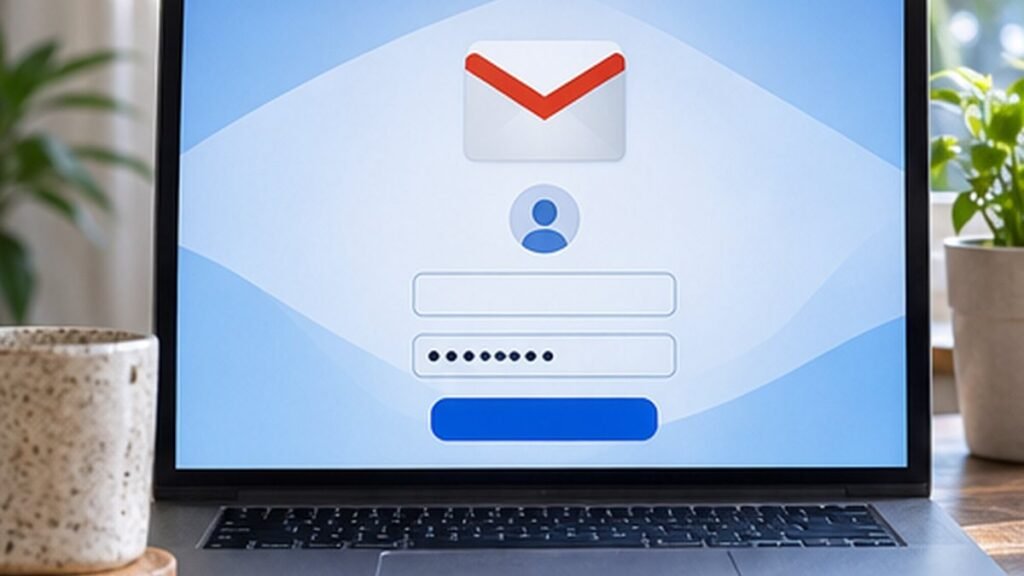
Start at Google's account recovery page. If possible, use the computer or phone, browser and location where you usually sign in. Have your recovery phone or email ready. Google will show prompts based on the account and what it can verify.
| Access problem | Where to start |
|---|---|
| Forgot the password | Use Google’s recovery page from a familiar device. |
| Forgot the address | Use Google’s username lookup and have recovery details ready. |
| Work or school account | Ask the organization’s administrator about recovery. |
Start with the problem you actually have
If you know the email address but forgot the password, follow the password recovery prompts. If you forgot the username, Google's official flow can help when you have recovery information and the name on the account. If it's a work or school account, contact the organization’s administrator, who may control the available steps.
If you are still signed in on a familiar phone or computer, keep that session available while you work through the process. Check whether the Google prompt goes to that device. Use the most recent password you can remember if the flow asks for one.
Handle prompts and recovery delays safely
Answer as many prompts as you can, using the account details you know. If a recovery message is sent by email, check your spam folder and whether you're looking in the correct inbox. Google may delay some recovery requests while it checks account ownership. Watch the official screen or message for the next step.
Enter verification codes only on the Google page you opened directly. A paid “recovery” service cannot legitimately bypass Google's ownership checks. Keep passwords, codes and recovery links private.
Secure the account when you get back in
Check recovery information, recent security activity and signed-in devices. If you suspect someone accessed the account, also review Gmail forwarding rules and filters for changes you don't recognize. Use Google's compromised-account checklist and change passwords on other services if you reused the same one.
Once access is stable, set up backup verification methods you can still use if the original phone goes missing. Store backup codes somewhere secure and separate from the phone.
If recovery is taking longer than expected
Use the timing instructions Google shows for your account and keep access to the email address where it can reach you. If you tried from an unfamiliar device, use a familiar one on your next official attempt when available.
Will a paid service unlock my Gmail account faster?
Use the official Google recovery flow. Google warns against handing passwords or verification codes to third-party services that claim they can recover accounts. For a managed work or school account, contact your own administrator.
Related guide: Gmail Not Receiving Emails?
Sources
Featured and Web Story visuals are AI-generated editorial illustrations.