Start with the event you want to capture. A front-only camera can document what happened ahead. A front-and-rear setup adds a second view, while cabin recording introduces additional privacy decisions. A useful comparison starts with what the files show in your actual driving conditions.
| Buying decision | Check before ordering |
|---|---|
| Front or front-and-rear | Compare usable coverage and realistic night footage. |
| Parking mode | Confirm power requirements, cutoff behavior and installation. |
| Storage and sharing | Try exporting an original clip and find the card failure alert. |
Look at sample footage, especially at night
Watch independent clips in daylight, at night and with headlights coming toward the camera. Pause on moving traffic and see whether you can understand the event. Resolution on the box is only part of the result. Lens angle, exposure, compression and lighting also shape what the recording shows. Even good footage may not reliably capture a moving plate.
Check what you can see from the rear camera through a tinted or dirty rear window. Ask how clips are downloaded and whether a phone app or account is required. Try a sample export before relying on a system for an incident.
Read the storage and power details
Loop recording overwrites older footage. Check what triggers file protection, how long storage lasts at your chosen settings and which endurance-rated cards the manufacturer supports. Confirm how the camera alerts you if the card fails. Protect and copy an important clip promptly, preserving the original.
Parking mode can depend on a hardwire kit, compatible external battery or other power supply. Ask whether the setup has low-voltage protection and how it affects your car. A qualified installer can route wiring safely around airbags and confirm where the camera may be mounted.
Plan the mount before buying
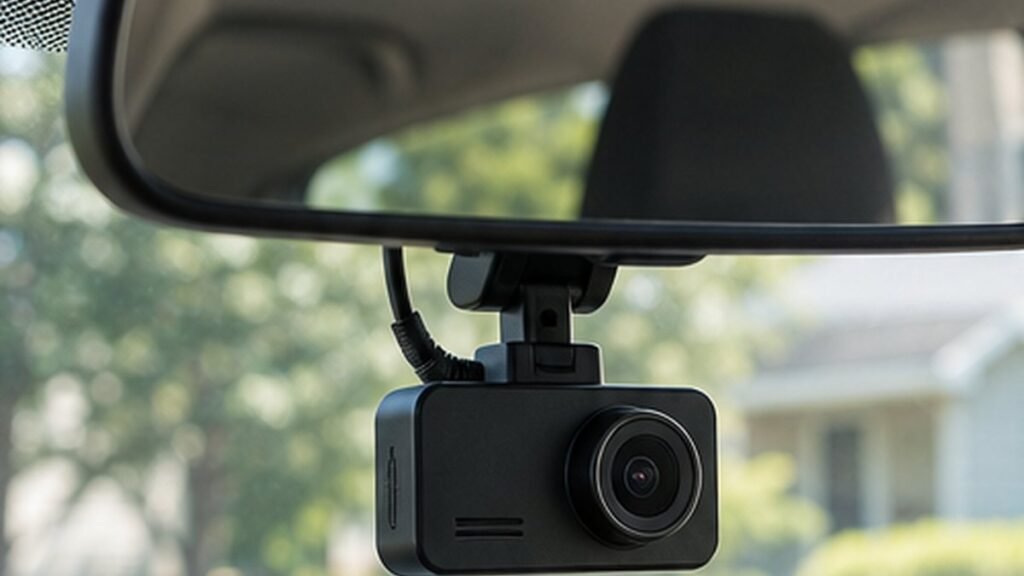
Sit in the driver's seat and check whether the proposed spot blocks your view or interferes with a sensor. Review mounting and audio-recording rules for the states where you drive. Choose how to handle microphones and location data before using the camera with passengers.
For a commuter who parks in a garage, easy clip retrieval may matter more than round-the-clock parking recording. For a car routinely parked outside, compare power requirements, heat tolerance and how footage is saved when the car is off.
Estimate recording time before buying a card
Ask for the combined recording bitrate for the cameras you will actually use. A dual-channel setup might record the front at 20 megabits per second and the rear at 10. Together that is about 13.5 gigabytes per hour, so a 128 GB card would hold up to roughly nine and a half hours at that rate before ordinary loop recording starts replacing older clips. Allow for formatting, protected files and bitrate changes. Use the camera maker’s storage chart if available and check the actual time after installation.
If you drive two hours a day, the example card might cover several days of commuting. Recording while parked can reduce that window. Ask how parking clips are triggered, whether the camera saves time before a trigger, and which recording modes it supports with your planned power setup. A short test in your usual parking space gives you a more useful answer than the words “parking mode” on the box.
Build a shortlist around your car
- Mostly daytime commuting: Compare two front cameras on exposure changes and how fast you can save a clip. Take a sample file off the card and open it on a computer before relying on the phone app.
- Frequent night driving: Watch original front and rear footage if available. Pause on a turn or lane change and check whether you can follow what happened with glare, tinted glass or rain in the frame.
- Outdoor parking: Ask the installer to quote the camera, approved card and power kit together. Confirm the cutoff settings, the wiring route and what to expect after several days without driving.
Keep a short example of an exported original and write down how to find the corresponding rear clip. That makes it easier to copy both files promptly if you need them later.
Make an export test part of setup
After installation, record a normal short drive and export a clip. Check that the time is accurate and the video opens on another device. Learn how to protect an event file before an incident, especially if the camera overwrites unprotected clips quickly.
Do I need a rear camera?
A rear camera can add useful context when another vehicle approaches from behind. Check your car’s rear visibility, window tint, and how the rear clip is exported. If you choose only a front camera, prioritize reliable event capture and night footage.
Sources
Featured and Web Story visuals are AI-generated editorial illustrations.