Source check: November 4, 2026. Availability, prices, and access notices can change.
The best standing desk for a small apartment is one that fits at both sitting and standing height without blocking your room. Two useful starting points are a compact FlexiSpot E2 configuration and UPLIFT’s 42-by-24-inch option. Before choosing either, measure the feet, the chair space, and the desk’s lowest usable height.
This guide compares published options and practical fit criteria, not hands-on wobble or motor tests. Configurations were checked November 4, 2026. Prices and included desktops change; use the final configured checkout total rather than a sale banner.
Two options to investigate
| Option | Why it belongs on the shortlist | Main check |
|---|---|---|
| FlexiSpot E2 with a compact rectangular top | The product page offers smaller desktop configurations, including 42 × 24 inches | Confirm the selected frame’s height range and included top |
| UPLIFT with a 42 × 24-inch desktop | A shallow configuration for a tight wall or nook | Choose the actual frame and accessories before comparing cost and footprint |
FlexiSpot E2: check the configuration carefully
The E2 page offers several desktop sizes. That flexibility can help in a rental where a standard 60-inch worktop would swallow a room. However, a model-family name is not enough: look at the selected desktop, base, controls, and height range together.
The page’s dynamic price did not provide a reliable final configured total during our check, so we are not quoting one. Build the version you want, review delivery and return costs, then compare it with other options. A low starting price can refer to a different configuration.
UPLIFT: consider the shallow desktop
UPLIFT lists a 42-by-24-inch worktop configuration. A 24-inch depth can leave more walking space than a deeper desk, but it also limits the distance between your eyes and the monitor. Check whether your monitor stand and keyboard actually fit, or whether a compatible monitor arm would help.
Confirm the foot depth and selected frame separately. A desktop that fits between two walls does not guarantee the base clears a floor vent, radiator, or baseboard. Review the clearance requirements rather than wedging the desk tightly into a corner.
Measure the room with tape before ordering
Mark the desktop rectangle on the floor with removable tape, then add the base footprint from the specification sheet. Pull your chair back as if standing up. Open the room’s door, drawers, and closet. The useful size is the space left for living after the desk arrives.
Measure the delivery route too. A desktop carton or assembled desk may not turn easily on an apartment stairwell. Check package dimensions, elevator access, and whether you can assemble it safely in the room.
Prioritize the lowest height
A standing desk can go high enough and still be too tall when seated. Match its minimum work-surface height to your body, chair, keyboard, and footwear. OSHA’s workstation guidance favors relaxed shoulders, supported feet, and hands aligned with the forearms.
If you need to raise the chair to reach the keyboard, a footrest may help, but do not use accessories to rescue an obviously unsuitable setup. Check both sitting and standing positions before committing.
Plan for movement, cables, and neighbors
Leave enough cable slack for the whole range without trapping cords. Watch for shelves, windowsills, monitor arms, drawers, and objects beneath the surface. Keep children, pets, and fingers away from moving parts and follow the manual’s anti-collision and locking instructions.
Do not assume a published lifting capacity proves the desk will feel stable at your height. Independent testing or an actual returnable trial is more useful for wobble and motor-noise questions. In a small apartment, a simple stable desk may serve you better than a larger feature-heavy one.
Could a desktop converter work?
A converter preserves an existing desk, but adds height, weight, and another footprint. Check its lowered keyboard position and stability before treating it as the space-saving answer. If you mostly work on a laptop, an external keyboard and screen-height adjustment may be needed for a comfortable arrangement.
Buy the setup you can use comfortably every day, and alternate positions rather than trying to stand for an entire shift.
Related reading: our small-space reset guide.
Sources
- FlexiSpot E2: desktop options
- UPLIFT: compact desktop configurations
- OSHA: neutral workstation positions
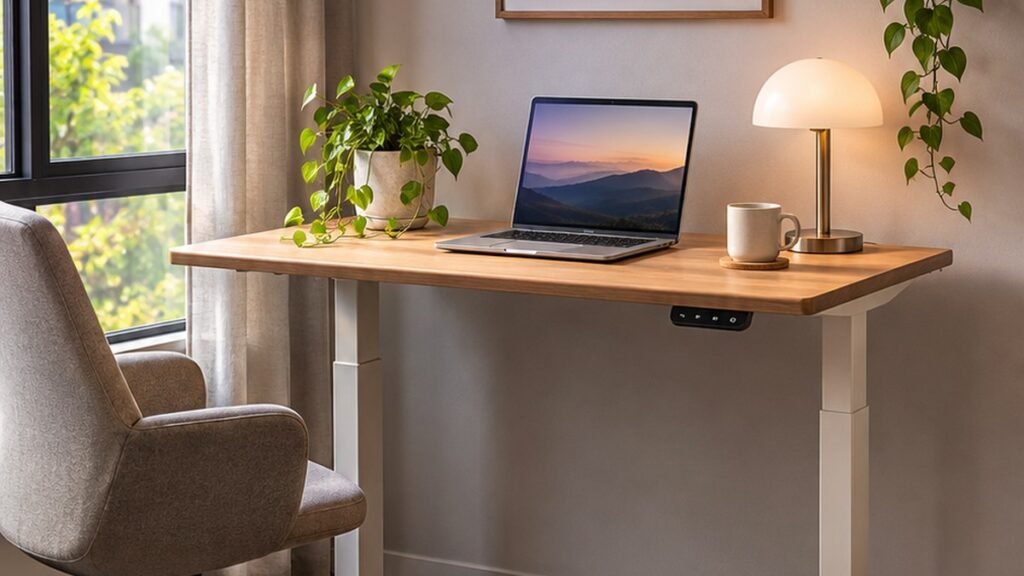
Visuals: AI-generated editorial illustrations. They are not documentary photographs, exact product images, or evidence of hands-on testing.