Updated October 31, 2026. US information; schedules and availability may change.
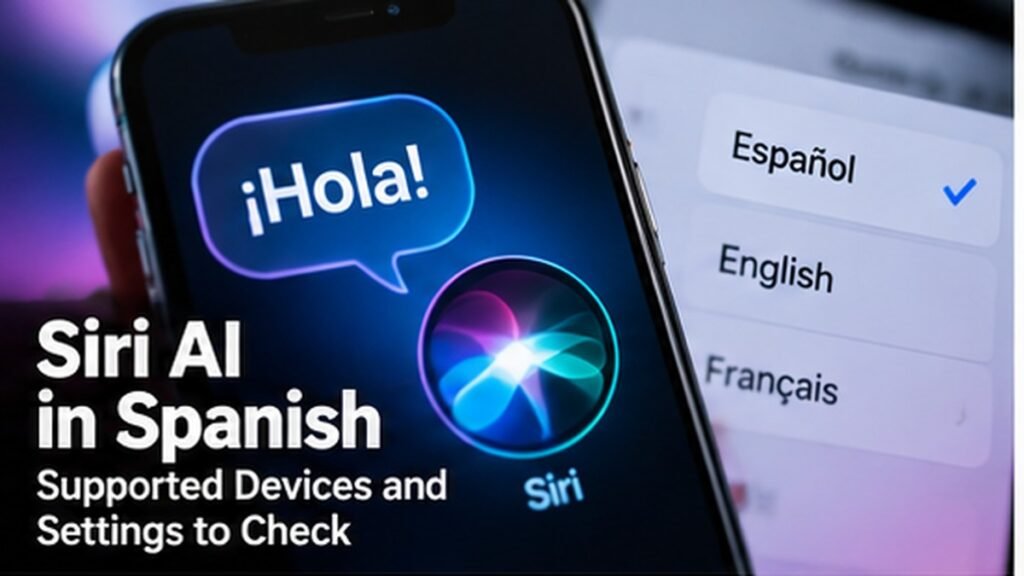
Apple added Spanish to the Siri AI beta as part of the 27.2 software updates. If you have heard that Siri AI is now available in Spanish but cannot see it on your iPhone, start with three checks: the device, the software version, and the language settings. Siri AI is a particular beta feature, not a promise that every Siri or Apple Intelligence feature works everywhere.
Which update do you need?
Apple lists Siri AI beta with iOS 27.2, iPadOS 27.2, macOS 27.2, watchOS 27.2, and visionOS 27.2. Open your device’s software update screen and confirm the installed version. Back up before a major update and use Apple’s release notes if the version has not reached your device yet.
Does your device qualify?
Apple says Siri AI requires an Apple Intelligence-enabled device. A phone merely running a recent iOS version is not enough. Check your exact model in Apple’s compatibility information. If Apple Intelligence is unavailable on that model, changing the language alone will not turn Siri AI on.
Language and region checks
Apple lists English, French, Japanese, Korean, Portuguese, and Spanish for Siri AI beta. Set the device and Siri languages to a supported option and check Apple Intelligence settings. Some features vary by region or language. If you switch languages, test the tasks you rely on before assuming every feature will follow.
A realistic way to try it
Start with a small, low-stakes task: ask Siri to find a setting, summarize a non-sensitive note, or help draft a short message. Review the answer before acting. If it gets a name, date, or fact wrong, correct it rather than treating a fluent voice as proof of accuracy.
The short answer
Spanish support is real in Apple’s Siri AI beta with 27.2 updates, on supported hardware and in supported settings. Check eligibility first; feature availability can differ by region.
Sources and updates
Check the original source for any changes: official source.